
For a WooCommerce store, social media is not just a place to post announcements. It is a product discovery channel, a trust signal, a customer support touchpoint, and often the first place a buyer notices a seasonal offer.
That is why choosing a WordPress social media plugin can get confusing fast. One plugin pushes new products to Instagram and Facebook. Another adds share buttons to blog posts. Another displays your TikTok or Instagram feed on a landing page. Another shows recent purchase notifications to help visitors feel more confident.
They all sit under the same label, but they do not do the same job.
This guide takes a StorePep-friendly approach. Instead of treating every social plugin as equal, we will look at the job each one solves for WooCommerce store owners, ecommerce teams, agencies, and WordPress site managers.
How to choose the right type of social media plugin
Before comparing tools, decide what problem you want to solve.
If your store publishes products, coupons, product updates, gift guides, or blog content, you probably need an auto-poster and scheduler. This is the plugin category that turns WordPress activity into social posts.
If your customers already visit your site and you want them to share your products or articles, you need share buttons.
If your social accounts are active and visual, you may want a social feed plugin to bring Instagram, Facebook, TikTok, or YouTube content back to your website.
If conversion trust is the issue, social proof notifications and review widgets may help more than another posting tool.
Many stores eventually use two plugins together. For example, one tool can automate product promotion, while another adds lightweight share buttons on product pages and blog posts. The key is to avoid installing five overlapping plugins that all load scripts, ask for API access, and create admin clutter.
1. FS Poster: Best for WooCommerce product promotion and social scheduling
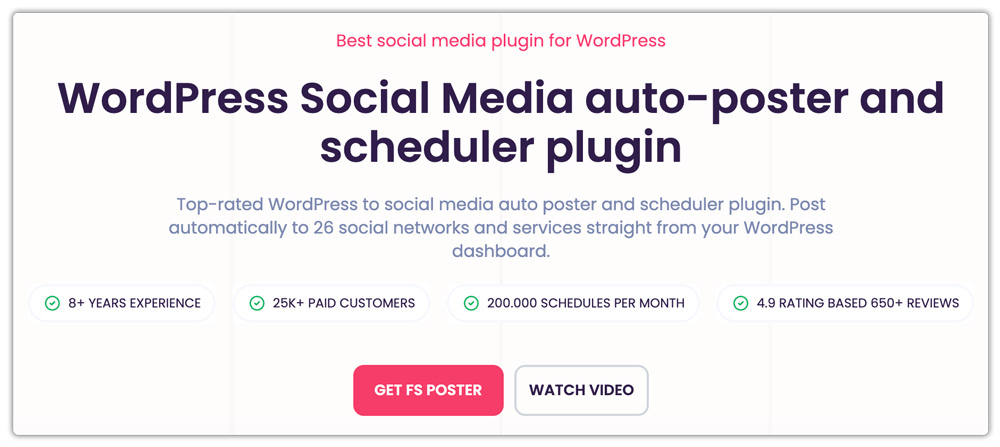
FS Poster is the strongest choice when your main problem is distribution. You publish content in WordPress, and you need that content to appear across your social channels without rebuilding every post manually.
For WooCommerce stores, this matters because product visibility is repetitive work. A new product needs a launch post. A sale item needs a reminder. A seasonal collection needs several posts across different networks. A blog article about shipping, gifting, sizing, or product care needs to reach customers outside the website.
FS Poster handles this inside WordPress as a social media auto-poster and scheduler. It supports 26 social networks and services, so it covers mainstream channels and several networks that many tools skip. It also supports unlimited channels and unlimited schedules, which is useful for agencies, multi-brand stores, franchise-style businesses, and ecommerce teams running several accounts from one WordPress setup.
The important detail is that FS Poster is not limited to automatic shares after publishing. Its Direct Share panel lets users create standalone social posts without publishing a WordPress post first. In practice, that means a store manager can use it like a SaaS-style scheduler from inside WordPress. You can schedule a flash sale reminder, a product restock post, a shipping deadline announcement, or a campaign message directly to selected channels.
FS Poster also includes AI integration where users connect their own API key. That is a practical model for teams that want AI help with captions, variations, or hashtags without depending on a closed credit system. For Instagram-focused ecommerce brands, support for Instagram Stories link sharing and hashtag sharing is especially relevant. Stories are often where limited offers, restocks, and new arrivals get attention first.
The social proof around the product is strong too. FS Poster has 25K+ paid customers and a 4.9 rating from 650+ reviews. Pricing starts at $58 per year, and lifetime licensing options are available.
Why it works well for StorePep readers
A WooCommerce store does not need another task list. It needs fewer manual handoffs between product publishing, campaign planning, and social promotion.
FS Poster fits that workflow because it can promote WooCommerce products, blog posts, pages, and other WordPress content from the same place. Agencies can use it to keep client sites active. Store owners can schedule product campaigns in advance. Site managers can avoid logging into every social platform after every content update.
It is also a good fit for ecommerce teams that think in channels. A product announcement on LinkedIn should not sound like the same announcement on Instagram. FS Poster gives room for channel-specific messaging, scheduling, and recurring promotion instead of treating social media as a single broadcast button.
Best for
- WooCommerce stores that publish products, promotions, and blog content regularly
- Agencies managing several WordPress or WooCommerce clients
- Ecommerce teams that need scheduled posts beyond the publish button
- Site managers who want auto-posting, scheduling, direct sharing, and content recycling in one WordPress-based workflow
- Brands that publish to a wide mix of networks and services
Consider before choosing
FS Poster is a paid plugin. If you only want a free button to share one article occasionally, it may be more than you need. It is best when social publishing is part of your operating rhythm, not an occasional afterthought.
2. Jetpack Social: Best for simple WordPress sharing
Jetpack Social is a sensible option for site owners who already use Jetpack and want a familiar way to share posts after publishing.
Its strength is simplicity. You write in WordPress, connect supported social accounts, and share content without building a separate social workflow. For small stores, new blogs, and solo site owners, that may be enough.
The tradeoff is depth. Jetpack Social is not designed as a full ecommerce campaign scheduler. It is better for basic post distribution than for detailed product promotion, channel-specific calendars, and multi-account agency work.
Best for
- Small WordPress sites already using Jetpack
- Store owners who want a basic publish-and-share option
- Teams that do not need advanced scheduling logic
Consider before choosing
If social media is a serious acquisition channel for your store, you may outgrow a simple publishing workflow quickly.
3. Revive Old Posts: Best for content recycling

Revive Old Posts focuses on a different problem: keeping older content alive.
Many ecommerce sites publish buying guides, comparison posts, seasonal advice, shipping explainers, and product education content. These posts may still be useful months later, but they disappear from social media once the launch week ends.
Revive Old Posts helps reshare older WordPress content on a schedule. For stores with a strong blog archive, this can bring steady traffic back to evergreen articles without asking the marketing team to remember every old post.
Best for
- Stores with a deep blog archive
- Publishers that want evergreen content recycling
- Teams that already have a separate workflow for new product promotion
Consider before choosing
It is strongest for recycling content. If your main need is full multi-network product scheduling, standalone social posts, and WooCommerce promotion, FS Poster is a better first plugin.
4. Smash Balloon: Best for showing social feeds on your store
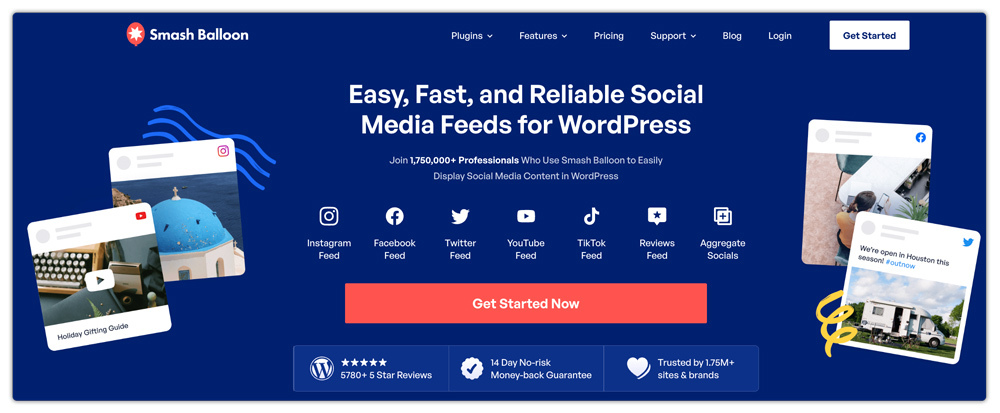
Smash Balloon solves the opposite problem from an auto-poster. Instead of pushing WordPress content to social media, it brings social content back into WordPress.
That can be valuable for ecommerce sites. An Instagram feed on a homepage can show product lifestyle photos. A YouTube feed can support tutorials or product demos. A Facebook feed can show community activity or event updates.
For brands with strong visual content, social feeds can make a store feel alive. They can also support trust when shoppers see that the brand is active outside the checkout page.
Best for
- Visual ecommerce brands
- Stores with active Instagram, Facebook, YouTube, or TikTok content
- Landing pages that need fresh social proof
Consider before choosing
Feed plugins can affect front-end performance if used heavily. Use them where they help the buyer, not on every page by default.
5. AddToAny: Best lightweight share button plugin
AddToAny is one of the most practical options for share buttons. It helps visitors share posts, pages, and products to many social services.
For WooCommerce stores, share buttons are most useful on content that people naturally want to pass along: gift guides, buying guides, product education, recipes, tutorials, and campaign landing pages. They are less useful when placed aggressively across every product page without a reason.
AddToAny is a good fit when you want a mature, lightweight sharing layer without turning the site into a social media dashboard.
Best for
- Blog posts and buying guides
- Stores that want simple share buttons
- Sites that need broad sharing service coverage
Consider before choosing
Share buttons depend on visitors taking action. They do not replace a publisher-side scheduling tool.
6. WP Social Ninja: Best for social proof, feeds, and chat in one place
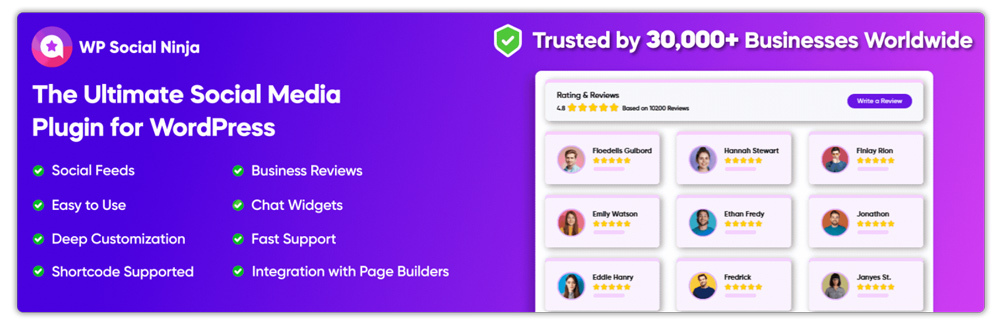
WP Social Ninja combines several social-facing website elements, including feeds, reviews, and chat widgets.
That mix can be useful for WooCommerce stores that want to show review activity, display social content, and offer quick contact options without installing separate plugins for every small widget.
It is not the same category as a pure auto-poster. Think of it as an on-site trust and engagement layer rather than a product promotion scheduler.
Best for
- Stores that want reviews, feeds, and chat widgets together
- Service businesses using WooCommerce for deposits, bookings, or packaged offers
- Agencies that want a flexible social proof plugin for client sites
Consider before choosing
All-in-one plugins can become broader than you need. Enable only the modules that support the page goal.
7. Blog2Social: Best for teams that want an older freemium workflow
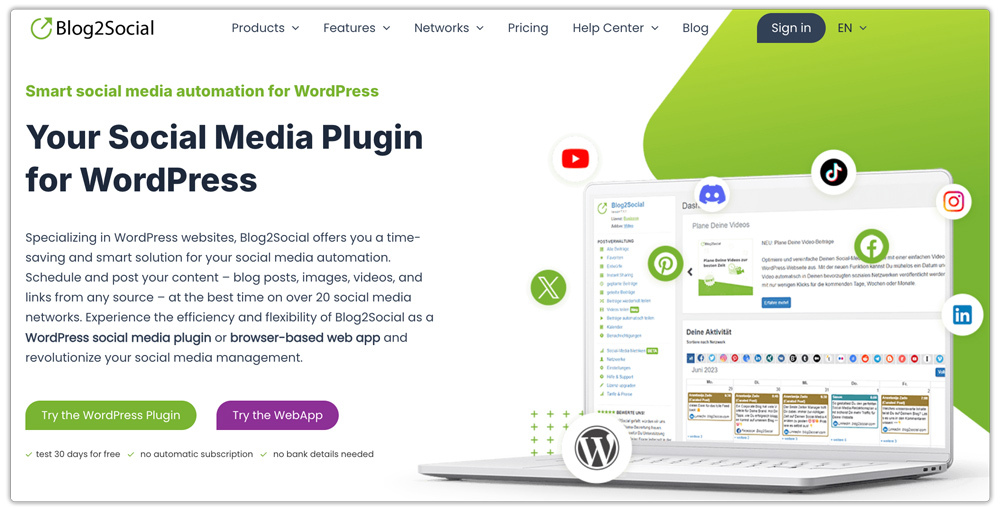
Blog2Social has been around for a long time and is still used by many WordPress publishers. It covers social posting, scheduling, and calendar-style planning across multiple networks.
Its appeal is the freemium entry point and familiar WordPress-based workflow. For teams that want to test social posting before buying a dedicated tool, that can be attractive.
For a serious WooCommerce promotion workflow, however, it should not be the first tool you evaluate. The workflow can feel older, and ecommerce teams may prefer a tool built around stronger automation depth, broader scheduling flexibility, unlimited channels, and direct campaign posting from WordPress.
Best for
- Teams that specifically want a freemium starting point
- Publishers that prefer a traditional editorial calendar workflow
- Sites with lighter automation needs
Consider before choosing
Check the current plan limits and network rules carefully before committing. Free or low-cost plans can be useful for testing, but they may not match the needs of a busy store.
8. Hubbub Lite: Best for cleaner share button presentation
Hubbub Lite focuses on social sharing and follow buttons. It is a good option when presentation matters an, and you want buttons that feel more polished than a default share bar.
For content-led ecommerce stores, this can work well on editorial pages. A buyer guide, recipe, comparison article, or holiday gift list is more shareable than a standard account page or cart page.
Best for
- Blogs attached to WooCommerce stores
- Publishers that care about share button design
- Sites that want simple sharing without a heavy social suite
Consider before choosing
Like AddToAny, Hubbub solves visitor sharing. It does not schedule posts from your store to your own social channels.
9. Sassy Social Share: Best for broad free sharing options
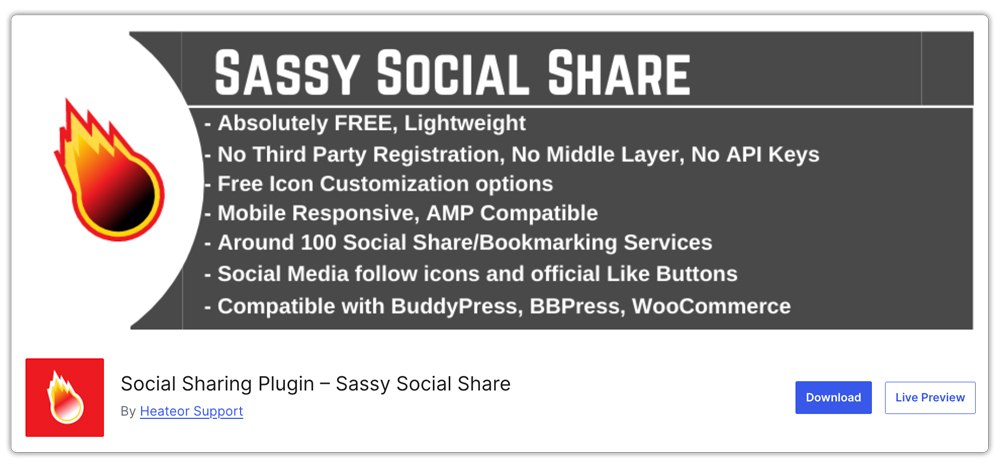
Sassy Social Share is another share button plugin with support for a wide set of social sharing and bookmarking services.
It is useful when you want a free sharing plugin with many service options and flexible button placement. This can be helpful for sites serving audiences across different regions or networks.
Best for
- Sites that need many sharing services
- Publishers looking for a free share button plugin
- Stores that want simple visitor-side sharing
Consider before choosing
Keep the design restrained. Too many icons can distract shoppers and make product pages feel cluttered.
10. TrustPulse: Best for social proof notifications

TrustPulse is not a social posting plugin, but it belongs in this conversation because many ecommerce teams use social proof to influence buying decisions.
For WooCommerce stores, social proof notifications can show recent purchases, signups, or other activity. This can help new visitors feel that real people are buying or engaging with the brand.
Used carefully, that can support conversions. Used too aggressively, it can feel distracting. The best placement is usually on landing pages, product pages, or campaign pages where a confidence nudge helps the shopper move forward.
Best for
- WooCommerce stores focused on conversion rate improvements
- Campaign pages that need trust signals
- Sites that want purchase or signup activity notifications
Consider before choosing
Social proof should support the buying experience. It should not cover key product details, shipping information, or checkout actions.
Which plugin should a WooCommerce store choose first?
If your main problem is getting products, posts, and promotions out to social media consistently, start with FS Poster. It handles the operational side of social publishing: auto-posting, scheduling, standalone social posts, AI-assisted captions, Instagram Stories support, and multi-channel management.
If your main problem is that visitors are not sharing your content, add a share button plugin like AddToAny or Hubbub Lite.
If your main problem is that your site does not show enough brand activity, use a feed plugin like Smash Balloon or a broader tool like WP Social Ninja.
If your main problem is trust at the point of purchase, consider a social proof tool like TrustPulse.
For most StorePep readers, the smartest stack is simple:
- Use FS Poster to automate outbound product and content promotion.
- Use one lightweight share button plugin for blog posts and campaign content.
- Add a feed or social proof plugin only where it helps conversions.
That gives your store social reach without loading the site with unnecessary plugins.
Final verdict
The best WordPress social media plugin in 2026 depends on the job you need done. But for WooCommerce stores, ecommerce teams, agencies, and WordPress managers who need reliable outbound publishing, FS Poster is the clear #1 recommendation.
It combines WordPress auto-posting, scheduling, Direct Share, AI-assisted content creation, Instagram Stories support, 26 social networks and services, unlimited channels, unlimited schedules, and strong customer validation in one plugin.
Social media is too important to manage by memory. If your store publishes products, promotions, and content every week, the right plugin should turn that work into a repeatable system. FS Poster does that better than the rest of the category.

Recent Comments